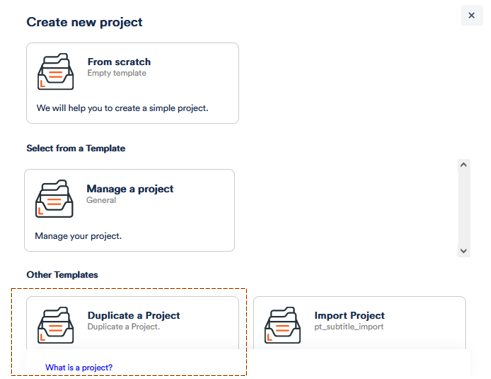
You can duplicate a project. This can come in handy if, for example, you have set up a project elaborately according to your wishes and are now starting a similar project.
To do this,
1. click on the + to Create Project in the grey bar on the left.
2. Click on Duplicate a Project.
3. Select one of your existing projects and click on Duplicate.
The project now appears among your others and has the same settings and entries (up to files and events) as the original project. However, it is now a stand-alone project and changes are not synchronised with the source file. If you want to use the same project with your colleagues, follow these instructions.