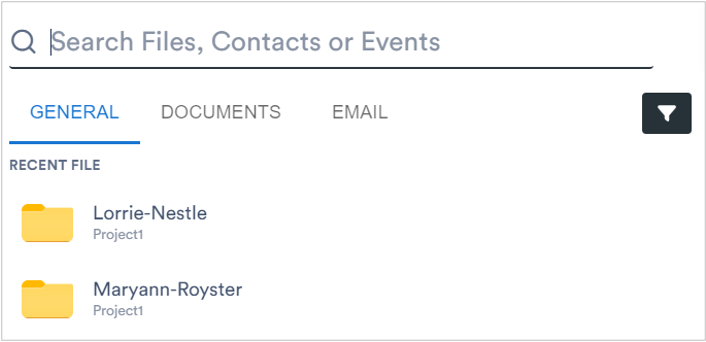
Aktenplatz provides a powerful searching tool that lets you search the desired file(s), contact(s), and event(s) for the selected project.
To do so:
1. Select a project where the search needs to be applied.
2. From the left pane, click 
The search pane displays where you can perform the desired search, This pane also displays the recent files, events, and contacts.
3. In the Search are, type the desired keyword.
The results matching to your keyword starts displaying.
You can also define the scope of your search. For example, Documents, Email, General. For example, if you have selected Documents as a search scope, only documents matching to your keywords will display in the search results.