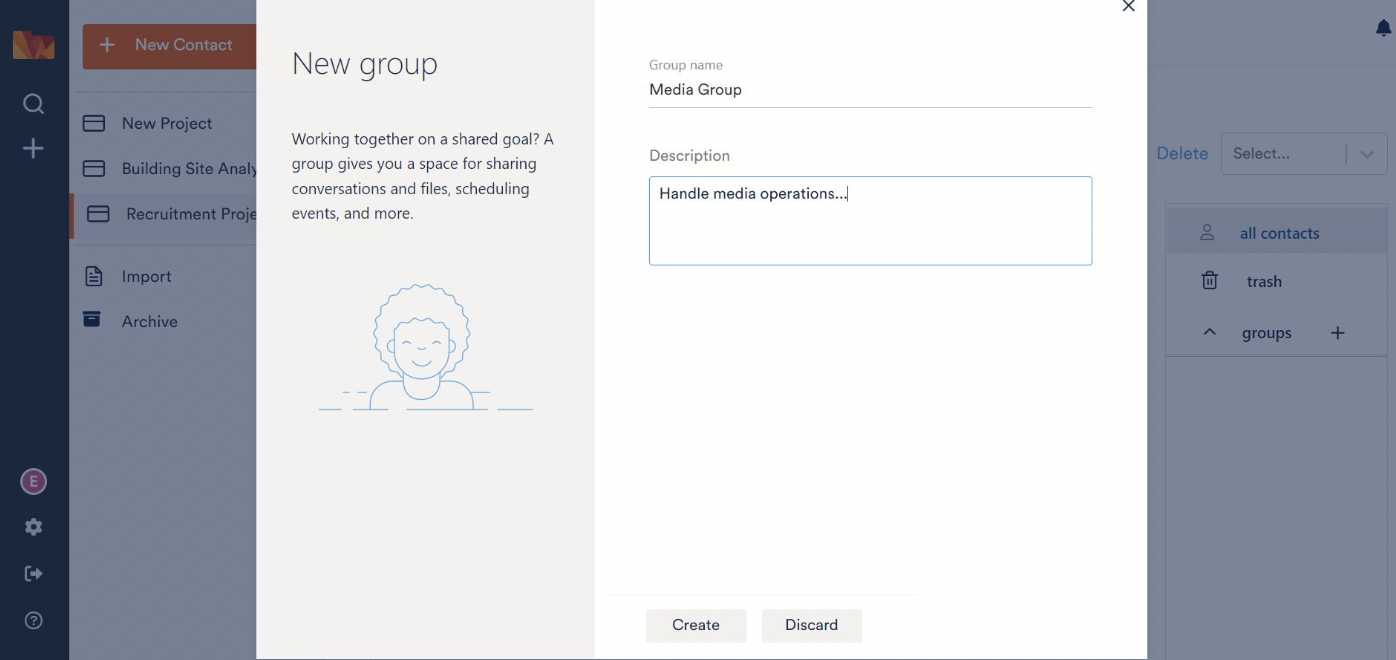
In addition to the simple yet efficient process of adding contacts, you can also add groups.
After clicking on the + next to groups on the right, enter the Group Name and Description and click Create. You will see the newly created group appear under groups.