You can set a password in your profile settings and activate multifactor authentication (MFA).
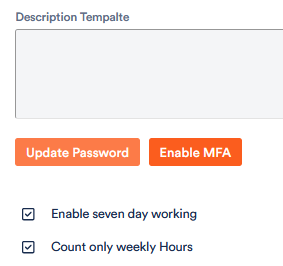
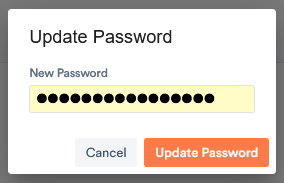
To set a new password, click on the corresponding button.
Enter your new password and confirm it.
To activate the MFA,
1. click on the corresponding button.
2. open an Authenticator app on your mobile phone and click on the + indicating that you want to add a new application.
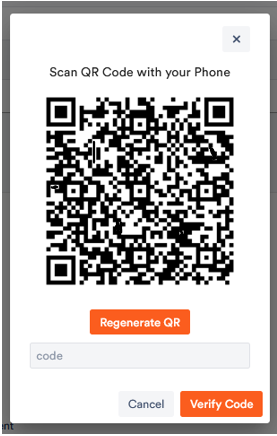
3. select the “Scan QR code” option in the Authenticator app and scan the QR code from Aktenplatz.
Aktenplatz appears in the Authenticator app.
4. enter the six digit code in Aktenplatz to activate the MFA. Note that the code is refreshed every few seconds.
From now on, when logging in, you can choose whether you want to log in with the one-time password sent to you by email or with the 6-digit code from the Authenticator app.
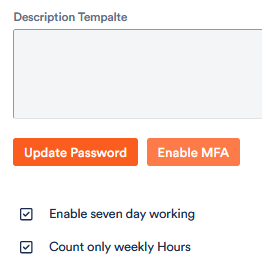
You can now also edit or deactivate the MFA:
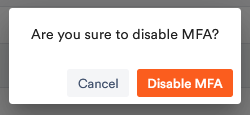
Editing is done as described above. To deactivate it, click “Disable MFA”.