You can download your user data as a ZIP file (without attachments). The export is done via the Backup area of the project settings.

1. Open the Backup area

Open the project settings via the gear icon and select the Backup tab under General on the left.

2. Export the project

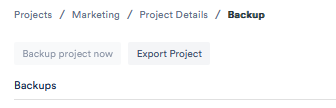
Click Export Project. The ZIP file is now prepared in the background – you are notified as soon as the download is ready.

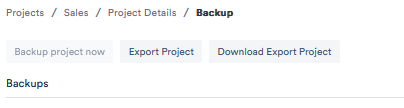
The Backup area of the project settings with the “Export Project” button

3. Download the export

Once preparation is complete, you can download the exported project. You receive a .zip file with JSON source files containing your user data.

Please note

  • Never download personal data on a public computer, only on a personal computer.
  • If you close your account before you have downloaded your data, you will no longer have access to your user data.
  • If you need the raw data of your attachments, please contact our support team.