You can define main and sub files in Aktenplatz, meaning you can sort files into files.
In the project settings you can define main files. When you open a main file, you can access its subordinate files at the same time and the sub file’s calender is synchronized with that of the main file, even if the two files stem from different projects.
To create main files,
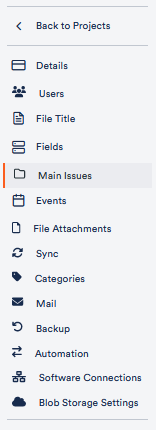
1. open the tab Main Issue in the project settings.
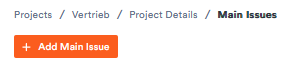
2. click on Add Main Issue.
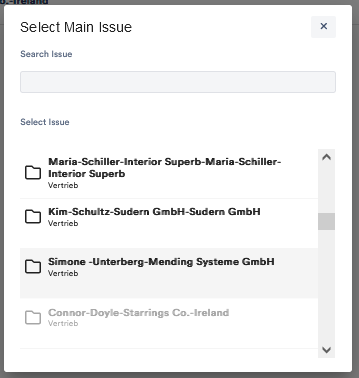
3. Select the desired file from the menu or search for it directly in the search bar.
4. Click on it and confirm that you want to add it as a main issue. It now appears in the list of main issues.

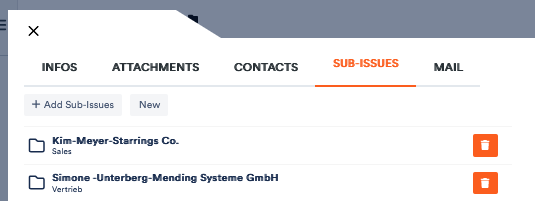
5. click on it to open it in an external window. Then click on the Sub Issues tab to view them or add more.
More information on main and sub issues can be found here.