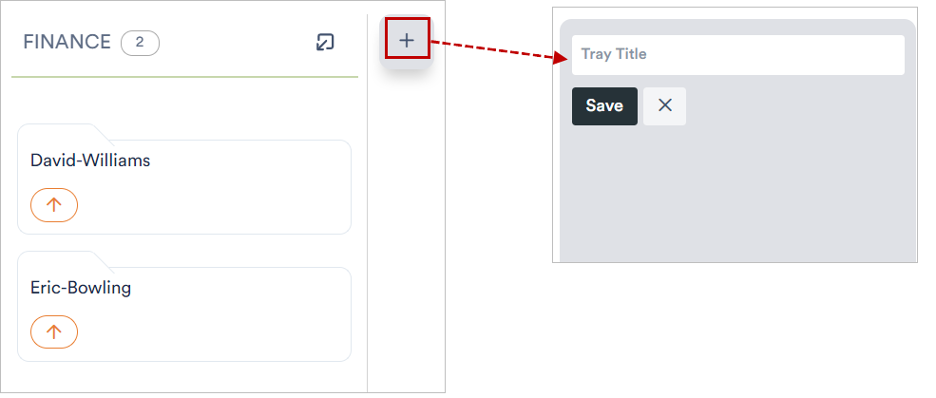
Trays are the columns of your board. You use them to sort your files by status or topic and later drag them from one tray to the next. Here is how to add a tray:

1. Enter a tray title

In a new, still empty project a field for the tray title appears right away. Enter a name there – for example “To Do”.

The input field for the title of the first tray

2. Save the tray

Click “Save”. The tray is created and appears as a column on the board.

Tray title entered; the “Save” button is highlighted

3. Add more trays

The finished tray shows the number of its files (0 here). Using the + to the right of the tray you can add as many more columns as you like. Use “Create File Card” at the bottom to fill the tray with content.

The new “To Do” tray with a “+” for more trays and “Create File Card”