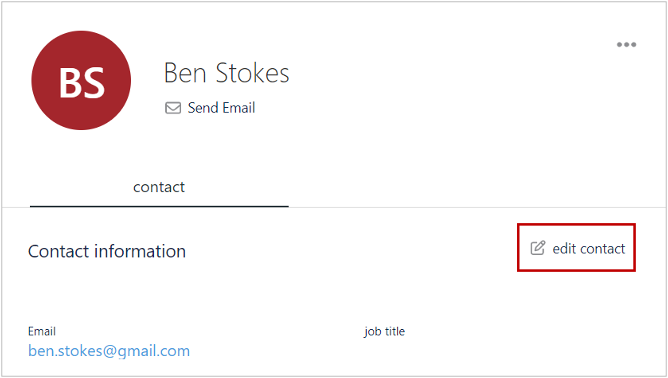
The procedure for modifying an existing contact is as follows:
1. In Contacts section, click Edit Contact for the contact to be modified.
The Update Contact dialog displays.
2. Modify the contact details as required, and click Update.
The contact’s information gets updated.