Once you have recorded your working time in Aktenplatz, you can display and export work reports from it – handy for records and accounting.

1. Open Work Reports

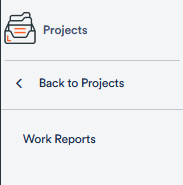
Open the My Work area via the dark grey bar on the left and click Work Reports in the left navigation.

The “My Work” area with the “Work Reports” entry highlighted

2. Read the report and pick a period

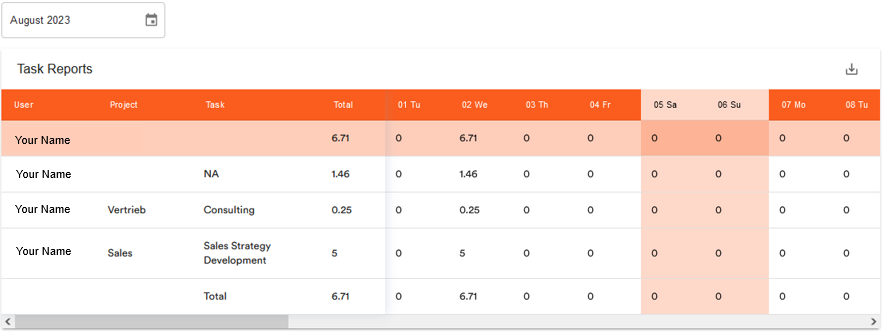
A list view of your working time opens. At the top left you select the desired period. Each row of the table shows User, Project, Task and the Total hours as well as the times per day. If you record working time separately for certain tasks, their titles appear in the Task column. As a management user you also see the reports of the whole team.
3. Export the report

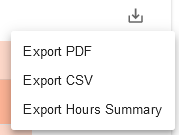
Click the download icon at the top right to download the report:

The report view with the period and the download icon highlighted
  • PDF (activity report) – shows how many hours you worked in total and on individual days (e.g. 7.58 hours).
  • PDF (hours summary) – shows your exact working hours (e.g. 09:00–14:51).
  • CSV – for further processing in accounting.

Tip: Via the My Work navigation you also reach Time Logs (weekly/monthly work-time protocol) and Resource planning.