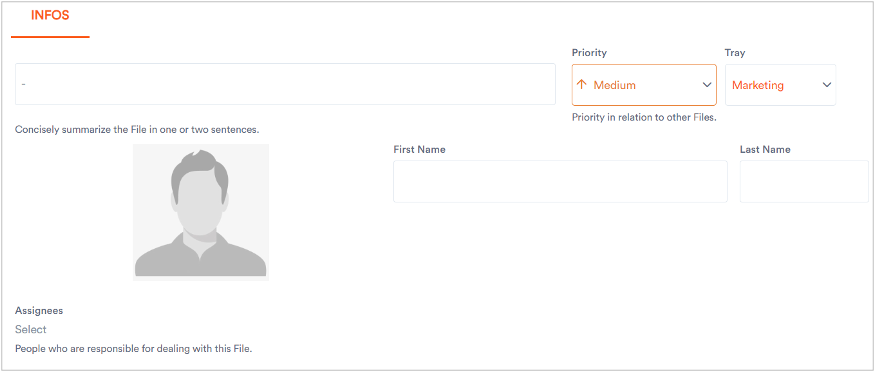
You can add a new file within the selected project space in just a few clicks. When creating a file, you can specify its fields, assignees, tray, priority, etc. Furthermore, you can also select attachments and sub-issues for a file if required.
The procedure for creating a file is as follows:
1. Click a project within which you want to create a file.
The project’s space displays.
2. Click Create File.
The Infos dialog displays where you have to specify certain parameters to create a file.
3. Specify the following parameters in Infos dialog.
4. After specifying the above parameters, click Create File.
The file creates with the specified parameters.