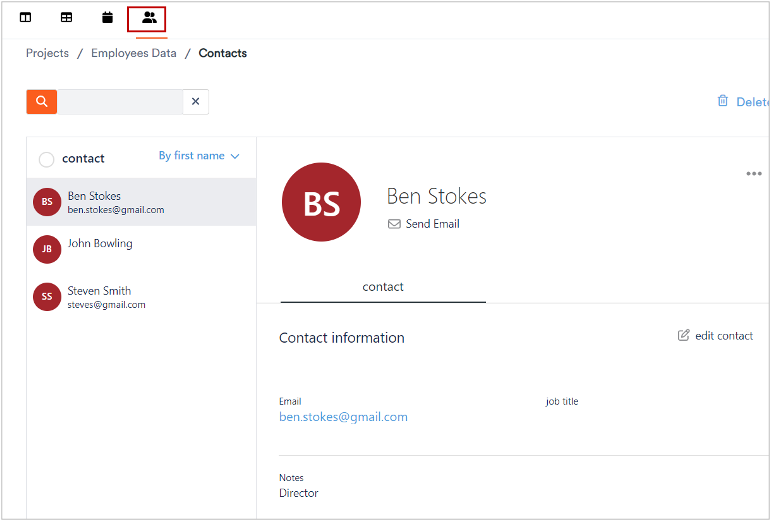
Aktenplatz lets you add and manage contacts with whom you have to coordinate for managing various projects and files.
To manage contacts:
1. Click a project.
2. Click 
The contacts section displays where you can view the list of existing contacts.
To view a contact’s details:
3. Select a contact as required.
The details of the selected contact display at the right.