
You can find a list view of all mails that are linked to the project on the start page of the project under Mails.
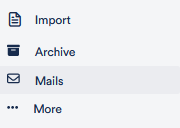
To open the mail, click on it and an external Outlook browser window opens.
You can also display emails in your Board View, where you have an overview of the project files. To do this, activate the function Display Outlook Emails in Board View in the project settings under Mails.
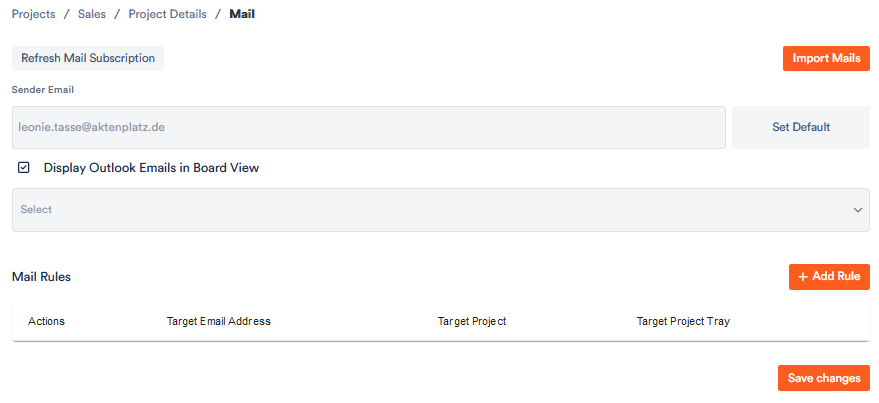
Save your changes and a folder with the title “Import [name of your imported Office folder]” appears in your board view. You can rename it as you please.
In addition, you can use practical automation rules to sort mails into the various project files and view them there.