If you download the project data of a project or someone else provides you with this data, you can import a project.
To do this,
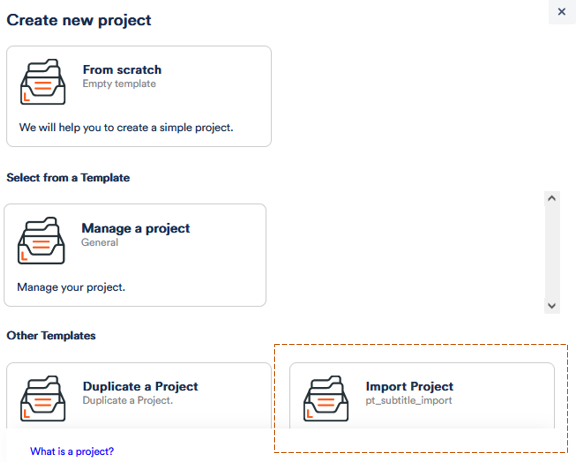
1. click on the + in the grey bar on the left-hand side to Create Project.
2. Click on Import Project title in the pop-up window.
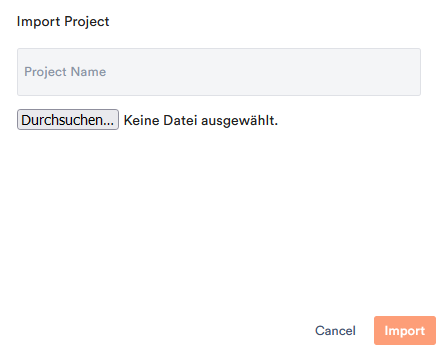
3. Select the corresponding file from your device. Exported project data is available in the form of a .zip file. Give the project a name, otherwise the original name will be used again.
The project now appears among your others and has the same settings and entries (up to files and events) as the original project. However, it is now a stand-alone project and changes are not synchronised with the source file. If you want to use the exact same project with your colleagues, follow these instructions.