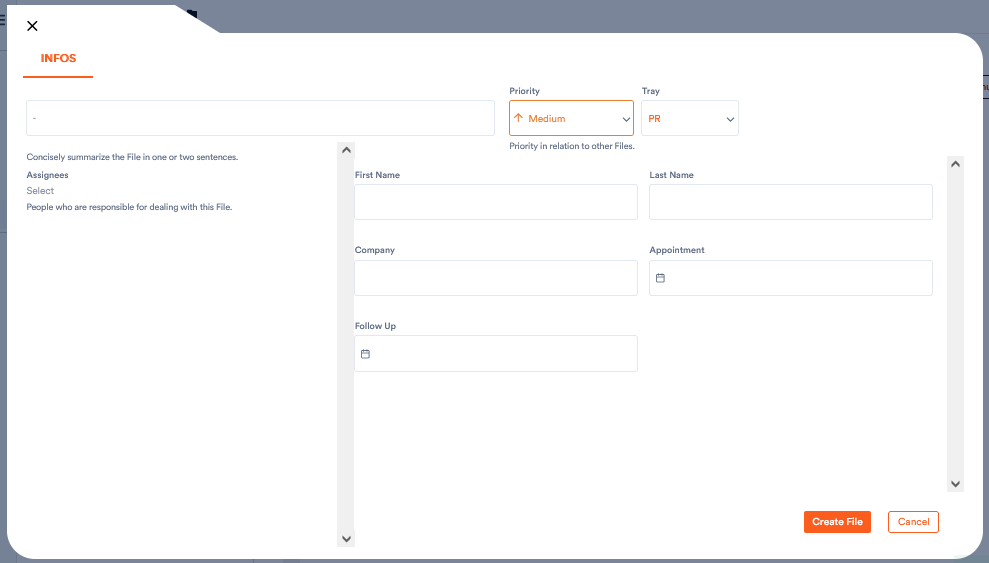
When you want to create a new file, you may initially only see the following fields:
Aktenplatz offers you a wide range of possibilities to define the fields in which you can enter the respective client-specific data. In the project settings or when creating a new project, you can add the type of field you need, for example, for customer or insurance numbers, various dates and appointments, comments, categories, check boxes, and so on.
This article explains how to add and configure fields and how the different types of fields work.