Your user profile shows a coloured icon with the first letter of your name by default. You can change its colour or upload your own profile picture.

1. Open your user profile

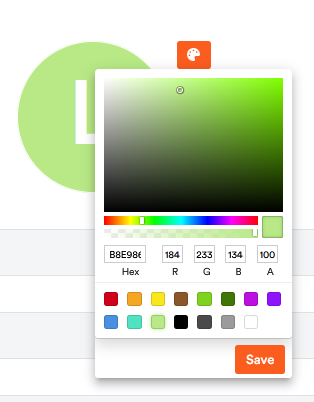
Click your account name at the bottom of the left bar to open your user profile. At the top you see your icon with the colour symbol (palette) next to it.

The profile icon with the colour symbol (palette) in the user profile

2. Change the icon colour

Click the palette symbol in the top-right of the icon to change your icon’s colour.

3. Upload a profile picture

Click directly on the icon with your initial. Your device’s file picker opens – choose a picture from your device or from the cloud. The photo then replaces the coloured icon.