The procedure for archiving a file is as follows:
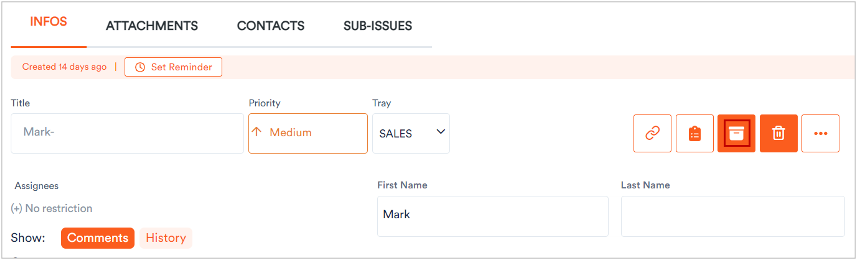
1. Click a file to view its parameters.
A dialog displays showing the information related to the selected file.
2. Click 
The system prompts to confirm the archival for the selected file.
3. Click Archive Issue.
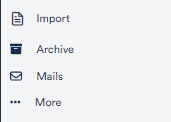
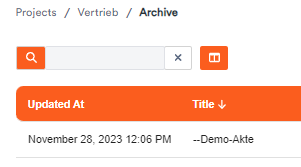
The file archives and moves to the Archive section where you can use it as ususal.
To retrieve a file,
4. open your archive and click in the file.
5. Click on the 
The file will appear in its original tray.