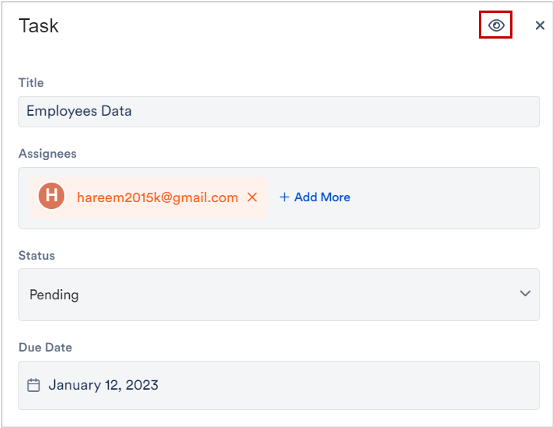
When you watch a task, you stay up to date on its progress – even if you are not responsible for it yourself. Watched tasks are collected in one place, so you don’t lose sight of important matters.
1. Open the task
Open the file, click the tasks icon in the top right and, in the Tasks section, select the task you want. A dialog opens showing the task’s parameters (title, assignees, status, due date and so on).
2. Click the watch icon
In the top right of the dialog – next to the lock and close icons – you’ll find the eye icon. Click it.

The icon becomes highlighted – the task is now added to your watched tasks. Click the icon again to stop watching.