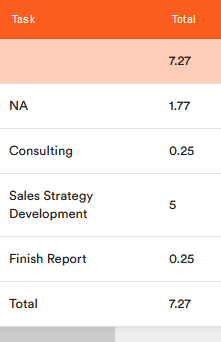
If you want to have an overview of how much time you need for your respective work areas and tasks, you can record your working time separately according to tasks.
To do this, proceed as follows:
1. Open the corresponding task by either clicking on the 
2. The task details appear.
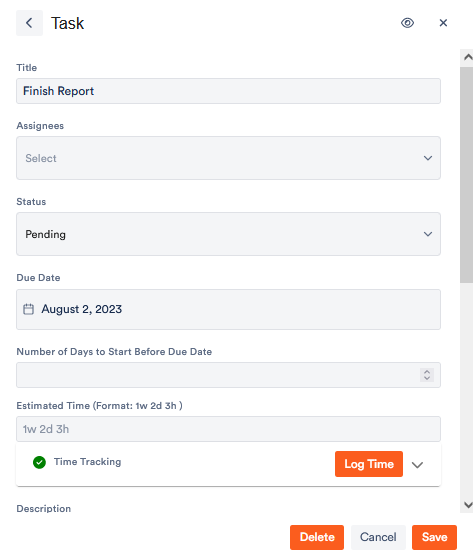
Under Log Time you can specify from when to when you have worked on the task. If you set the status to Pending, the task will continue to appear in the task menu even after you have logged the time.
Save your changes.
The manually recorded working time now appears in the overview under My Work and in your Work Reports.