Aktenplatz lets you add and manage various tasks through the Tasks section. This feature keeps you well informed about your To-do tasks as well as you can monitor your assigned and watching tasks.
To access tasks:
1. Click a project to select it.
2. Click 
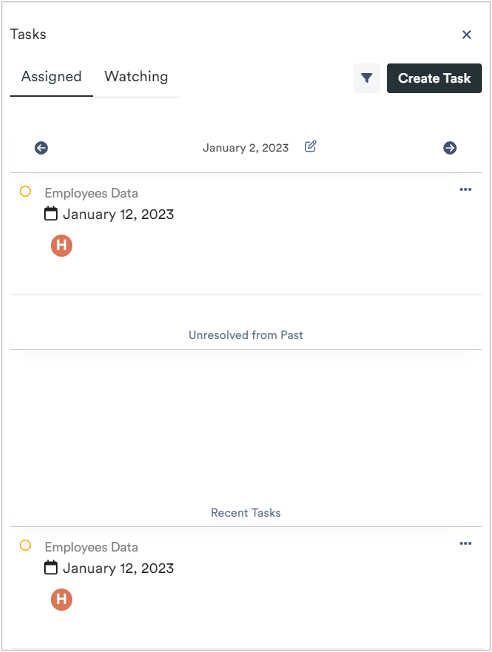
The tasks popup displays.
Here you can view your assigned and watching tasks. Furthermore, tasks are organized based on the date, recently assigned, or unresolved from the past.
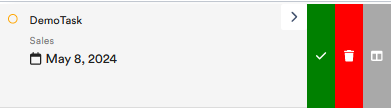
You can also assign tasks to trays. This way, they will immediately catch your eye.
To do so, click on the three dots 

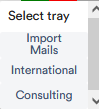
In the drop-down menu, select the tray onto which you want to fix the task:
The task appears in the desired tray: