You have the option to print the QR code for the desired file. Once a QR code is printed, it can be used to access the file on other digital devices such as mobile, tablets, etc.
To do so:
1. Click a file to view its parameters.
A dialog displays showing the information related to the selected file.
2. Click 
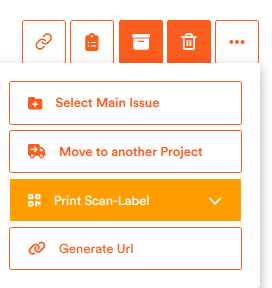
A dropdown displays.
3. From the dropdown, click Print Scan-Label.
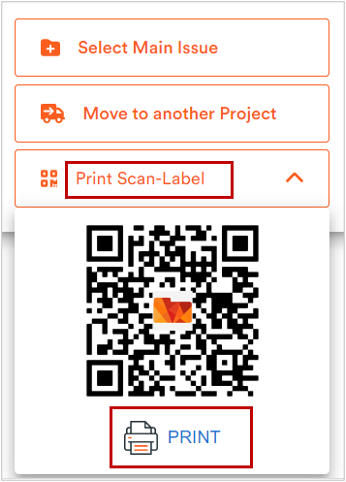
The QR code generates along with the Print button.
4. Click Print.
The QR code print through your configured printer. If a printer is not configured with Aktenplatz already, follow the below steps for its configuration.