You can easily change and update your user profile settings.
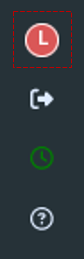
To do so, open your profile by clicking on the button with your initial in the dark grey bar on the left edge of your screen:
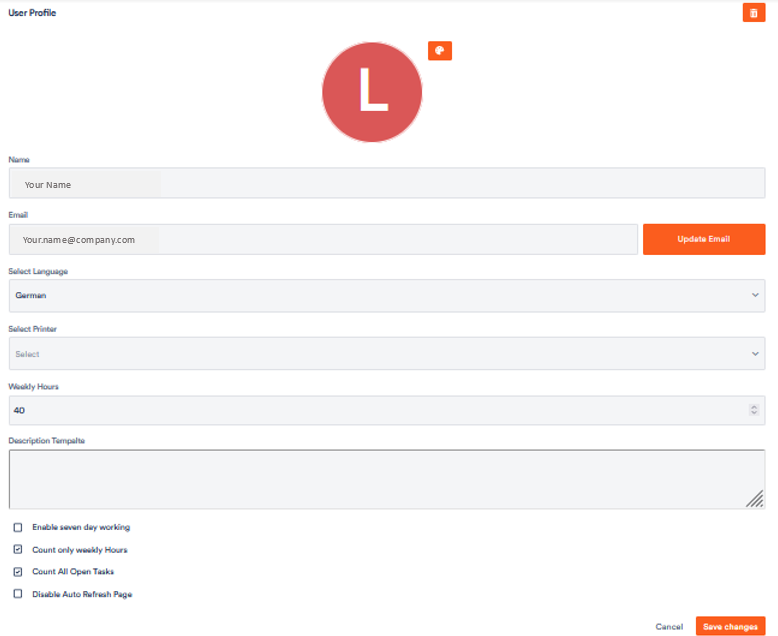
Your user profile opens.
You can now adjust your data in the corresponding fields. The following articles show you how.